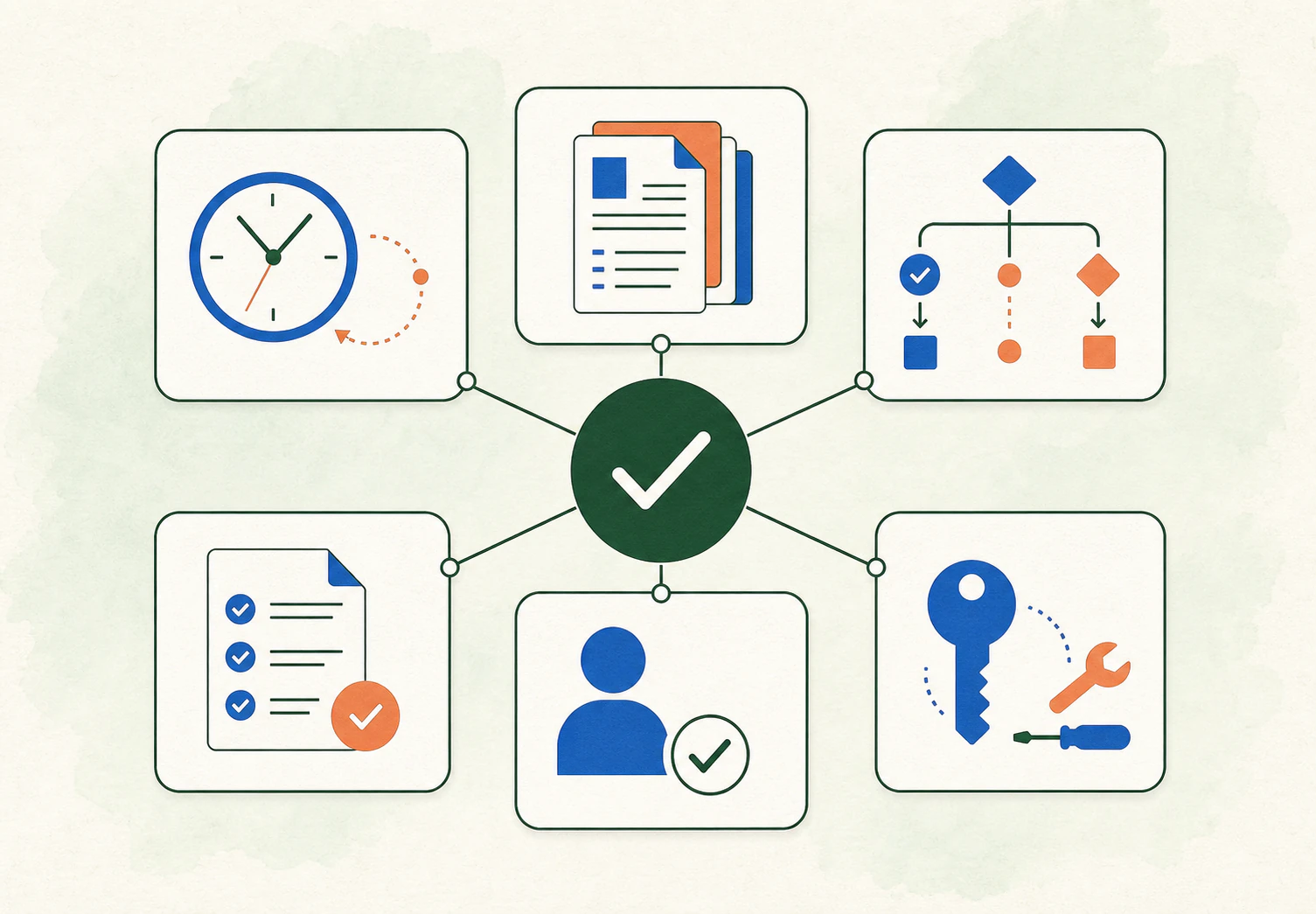
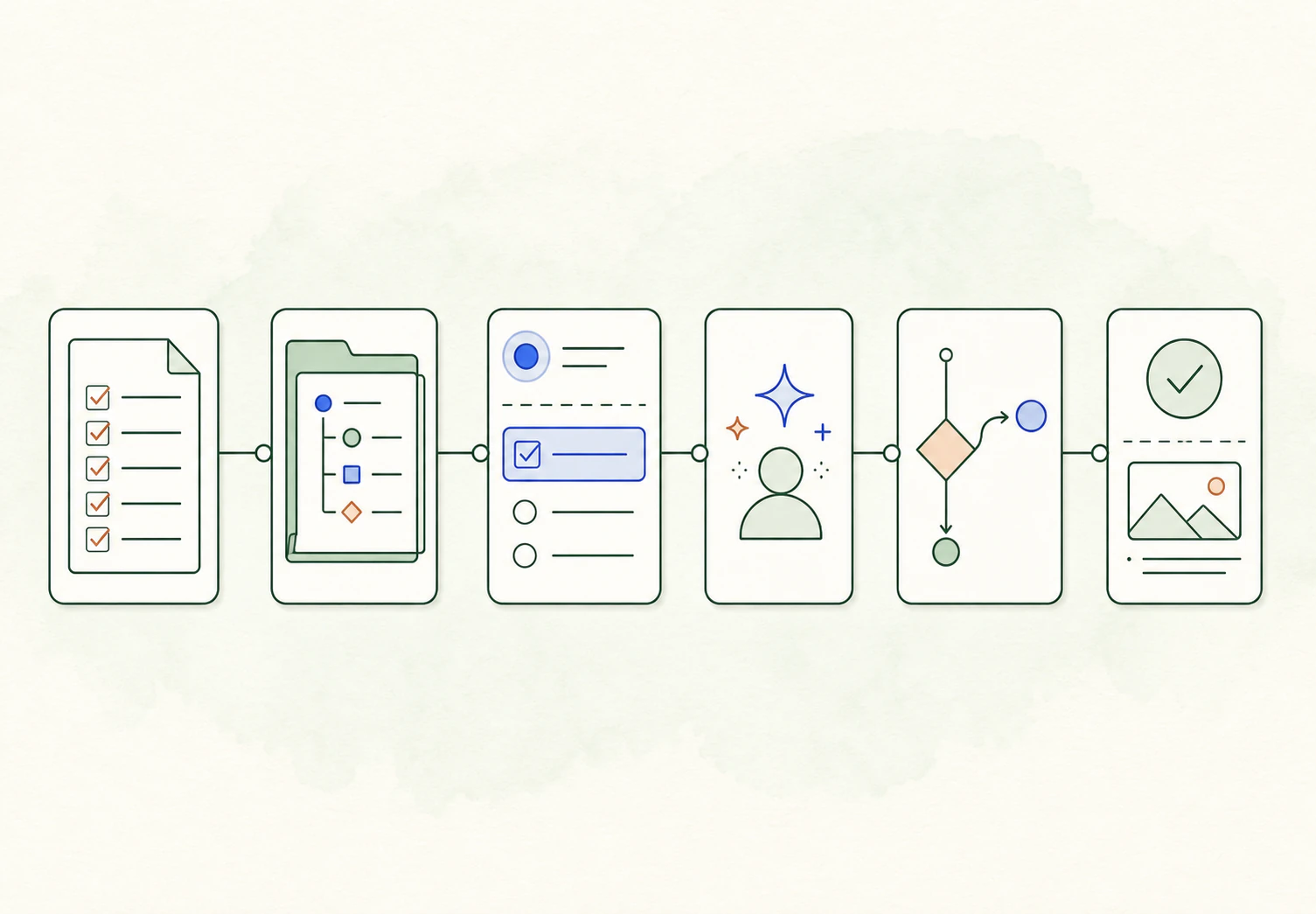
Delegate work
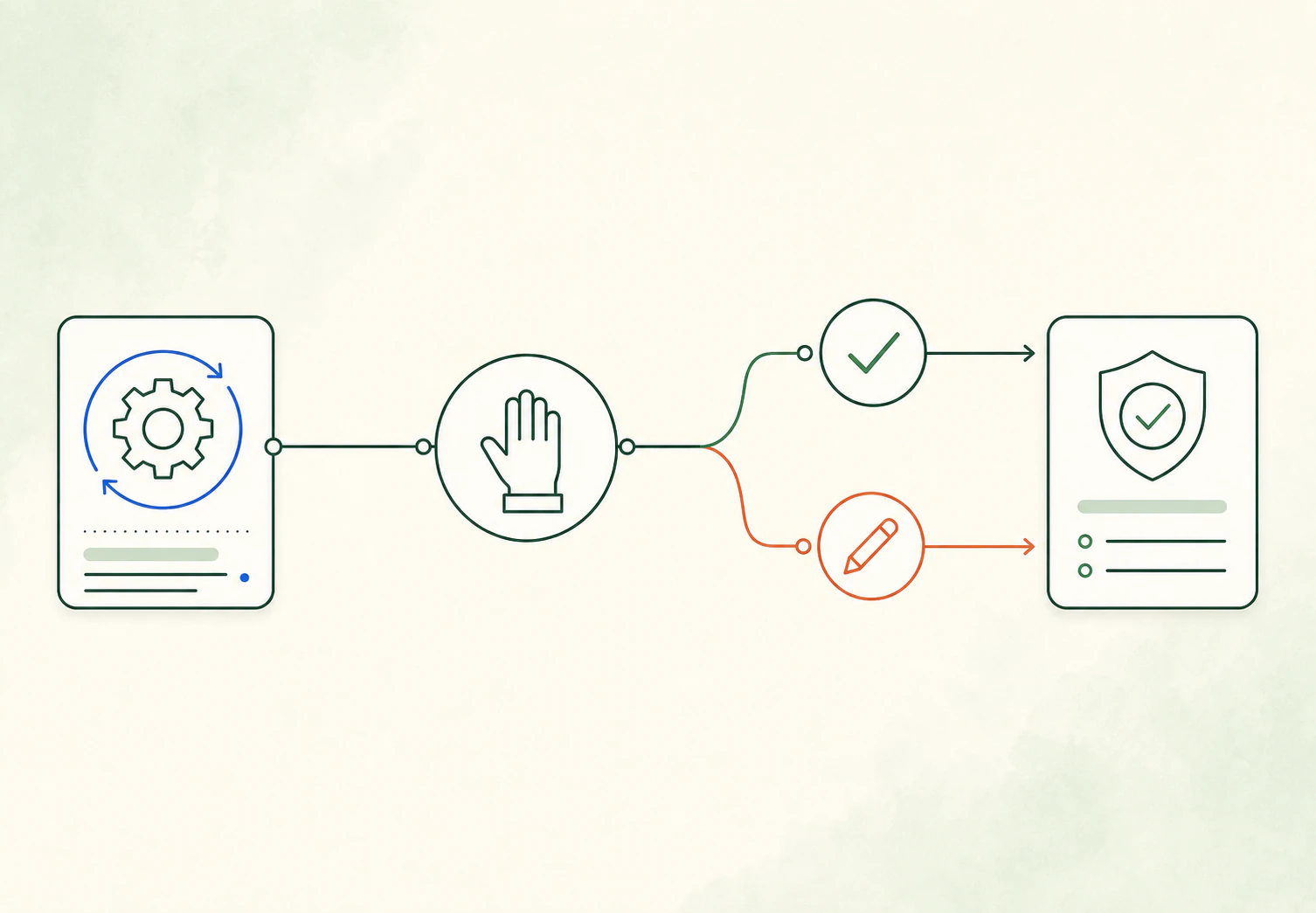
Keep control

Your AI agent team for business operations.
Hand off repeat work. You make the calls.

Delegate work

Use Runlane Copilot for one-off work. Automate repeat work with Tasks and Runbooks.
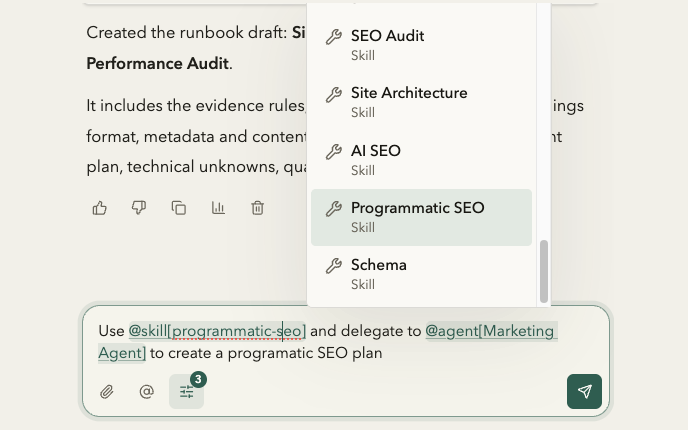
Runlane Copilot using a skill and agent to create an SEO plan

Automate routines

Start tasks on a schedule, from another app, or when someone submits a form.
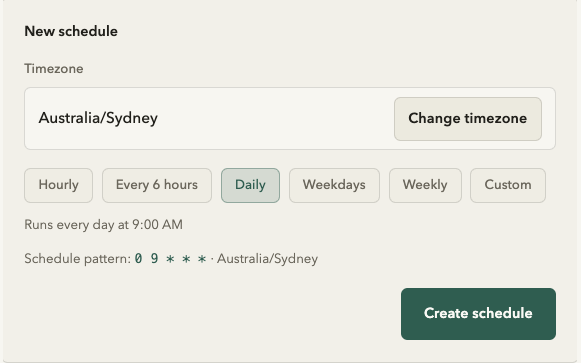
Runlane New schedule form set to daily at 9:00 AM

Connect tools

Connect business apps to Runlane. Choose where agents can use them.
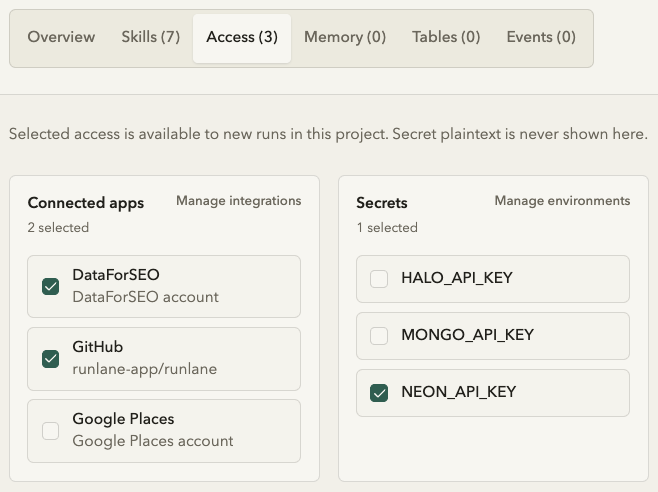
AI Visibility Audit access showing DataForSEO, GitHub, and Google Places selected

Keep control

Review important actions, set budgets, and see who changed what.
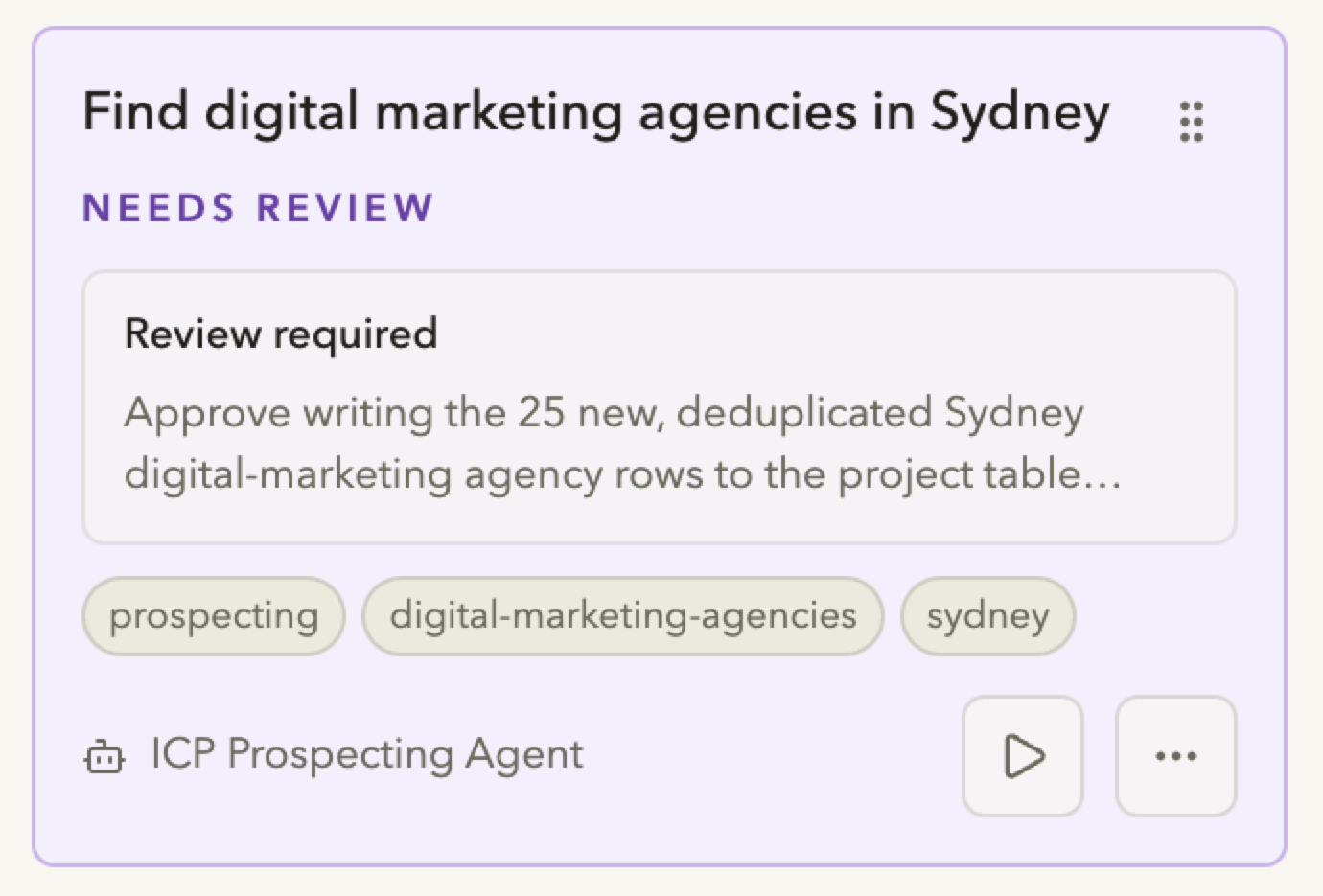
Runlane reviews waiting for an operator decision

Works with the tools you use

  • Google Analytics
  • Google Ads
  • Meta Ads
  • Google Search Console
  • WordPress
  • DataForSEO
  • Google Places
  • Yelp
  • Twilio
  • Resend
  • Reoon Email Verifier
  • Loops
  • Instantly
  • Email (SMTP/IMAP)
  • Apollo
  • HubSpot
  • HighLevel
  • Pipedrive
  • Vendasta
  • Google Workspace
  • Notion
  • Stripe
  • Higgsfield
  • Kernel
  • treg
  • Cloudflare
  • PostgreSQL
  • GitHub

Delegate work

Use Runlane Copilot for one-off work. Automate repeat work with Tasks and Runbooks.

Hand off work
  • Finish one-off work directly in Copilot chat.
  • Turn a repeat job into a scheduled task.
  • Save your SOPs as Runbooks and use them in Tasks.

Do ad hoc work with Copilot

Ask Copilot to help with everyday business operations, for example, to qualify leads, manage ad campaigns, or sort emails.

Runlane Copilot using a skill and agent to create an SEO plan

Create Tasks for routine work

For repeat work, create Tasks with project context, instructions, runbooks and access to your apps. Use schedule, webhook, or form triggers for task automation.

Copilot task draft ready to create in Runlane

Turn your SOPs into Runbooks

Runbooks is an extension of SOP. Define the triggers, inputs, access, boundaries and accountability so routines can run reliably.

Runlane Preset Library with SEO Runbooks available to preview or save

Automate routines

Start tasks on a schedule, from another app, or when someone submits a form.

Automate a task
  • Schedules handle one-time and recurring work.
  • Webhooks start tasks from another system.
  • Forms turn a person's answers into task input.

Schedule tasks

Set a one-time or recurring schedule on a task. For example, run an SEO audit on your site every Monday at 9 AM and email yourself the report.

Runlane New schedule form set to daily at 9:00 AM

Start from a webhook

Configure an external system to trigger a task run with a webhook. For example, when you receive a Stripe payment, run the user onboarding SOP.

Runlane task trigger settings with an enabled inbound webhook

Collect input with a form

Trigger tasks with form submissions from customers or contractors. For example, scrape a customer-submitted website url and generate an SEO plan.

Runlane Edit form settings for a support request

Connect tools

Connect business apps to Runlane. Choose where agents can use them.

Connect an app
  • Connect your business systems and databases.
  • Control access for each project.
  • Use the integration in Tasks or Copilot.

Connect your tools

Connect your business apps and databases. You can add multiple accounts for each connection.

Grid of 24 supported integrations, including Google Workspace, LinkedIn Ads, Cloudflare, and GitHub

Control access

Choose the app connections and credentials available to each project. A task run uses only that project's access.

AI Visibility Audit access showing DataForSEO, GitHub, and Google Places selected

Use the integration

Use the integration in Copilot or task runs. Chat with access to your tools or schedule tasks to do work using your tools.

AI Visibility Audit agent using a Google Places account to find Sydney roofers with 100+ reviews

Keep control

Review important actions, set budgets, and see who changed what.

Open Runlane
  • Agents can pause for input or approval.
  • Set budgets on Workspaces and projects.
  • Audit history records who changed what and when.

Review important actions

Agents pause when they need input or approval. You can also delegate reviews to an agent using the smartest model.

Runlane review queue for work that needs approval

Set spending limits

Set monthly workspace and project budgets on AI usage. You maintain full control, and avoid billing surprises.

Monthly usage and budget controls in Runlane

See the audit trail

Audit history records who changed what and when. Task history keeps each run, result, and decision together.

Runlane audit trail showing recent workspace changes

Build your agents

Set up your agents easily with presets. Give them instructions, skills, files, memories and access to your tools.

Do any work

Work with Copilot on ad hoc tasks, and automate routine tasks with schedules, webhooks and forms.

See everything

Runlane brings agent and human activity into one view. Every input, approval, and output is recorded in run history.

Set up in seconds

Build an agent team from ready-made starting points: role-based Agent presets, bundled Agent Skills, and Runbook presets for common business workflows.

Agent presets

Start with a role-based agent template. Each preset comes with a preconfigured AI model, instructions, and agent skills.

Skills library

Skills are extensions of agent capabilities. Give agents the methods and tools to perform specialized work consistently.

Runbook library

Runbooks turn the SOPs your team already uses into reusable building blocks of agentic workflow automation.

Runlane Agent presets by role
Runlane Skills library bundles
Runlane Runbook presets

Stay in control

Review what's important, set workspace and project budgets, and audit all changes.

Human review

Agents pause when they need your input or approval. Approve, reject, or add the requested input.

Budgets

Set a budget for each workspace or project. When it is reached, new runs do not start.

Audit trail

Audit trail shows who did what and when. Decisions and results are kept in task run history.

Start with a Runbook

Latest updates

View all articles

Ready to handoff busywork?

Start my free trial